Pizzas Please: Reheated is a remake of Pizzas Please (an old gamejam game) as a way to learn Godot.
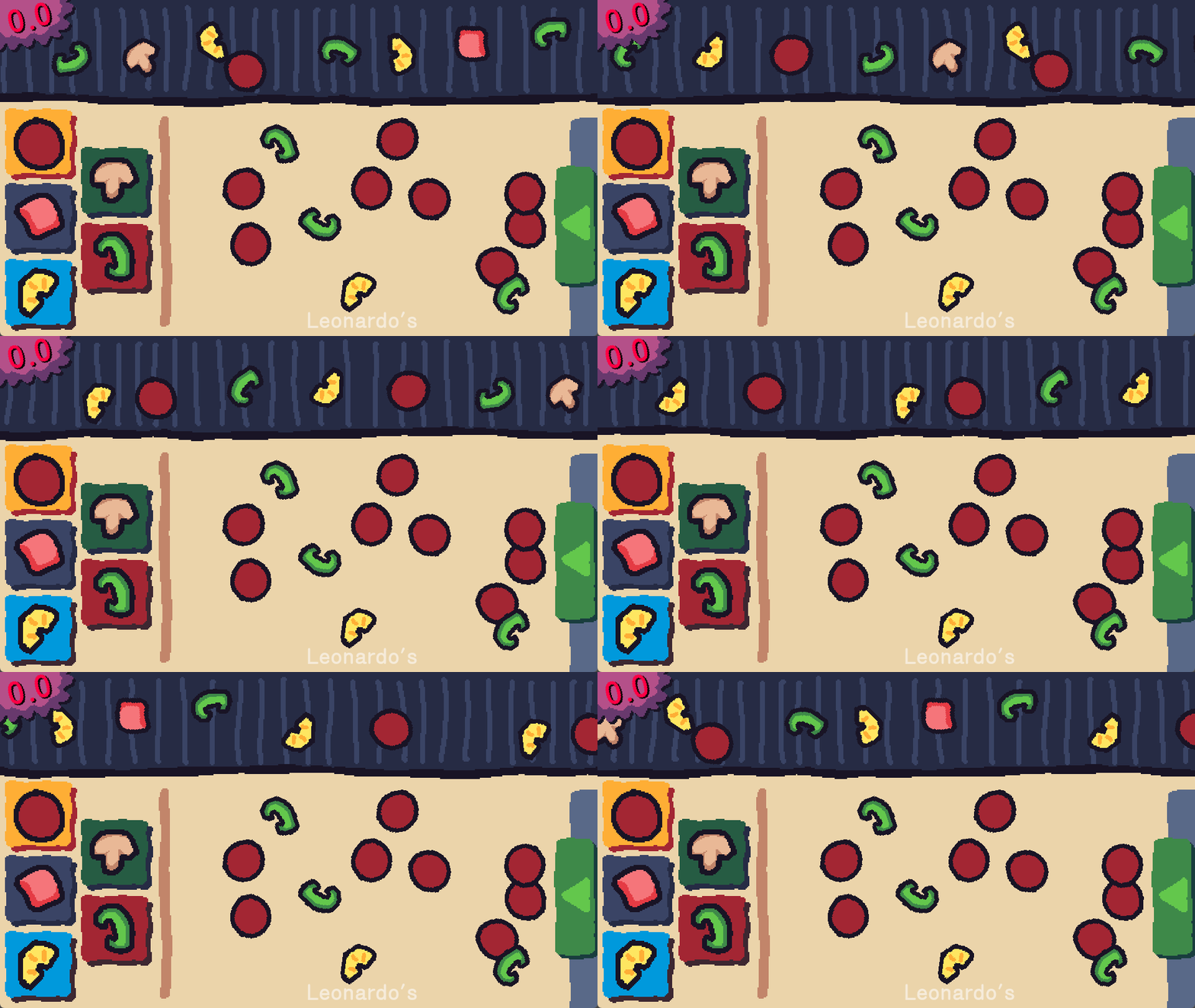
Introduction
I’ve been working professionally in Unreal Engine for around 8 years and for a long while had desired to make sure I was somewhat up-to-date on other popular engines too. Similarly, I don’t really have a home in terms of a Game Engine/Framework for personal projects given as Unreal is a bit of a sledgehammer for that use-case I feel.
Godot is currently a popular choice for smaller teams and projects - especially for 2D ones - and is increasingly mature and feature-rich. I’d done some brief poking around in it before but nothing serious. I decided it was time to stop waiting for godot, and properly make something.
I learn best from trying to make a thing and learning along the way so I needed a good project in mind first. Given my interest in networking I was quite keen to make a game with networked multiplayer, but didn’t want anything too complex. My old gamejam game Pizzas Please seemed an excellent fit (and was funnily enough coming up to 10 years old) given the simplicity in what needed to be networked.
Game Summary
Pizzas Please: Reheated is an asymmetrical multiplayer/party pizza making game. There are multiple teams of two players (Pizzerias) and a single Manager overseeing them. There are three roles:
- The Manager handles orders and passes them on to the Pizzerias (teams) verbally. They have to remember the orders and order numbers to match them with the pizzas made by the pizzerias. There is only 1 manager at a time.
- The Assisant works with their team partner (the Chef), preparing toppings and passing them to the Chef via the conveyor belt that connects the two players.
- The Chef uses the toppings sent by their Assistant to create the pizzas the Manager has told them to. They bake the piza and send it to the manager for eventual delivery.
The game is a networked multiplayer game (either on LAN or online) using either a dedicated server or a player acting as the host. Communication is vital between the Manager and the Pizzerias, and the Chef and their Assistant, resulting in enjoyable chaos of everyone talking over each other.
Development
Development began in Mid-January 2026 with a break from Late-January to Mid-March as I was away. I was hosting a LAN Party for my friends over the Easter weekend so the aim was to playtest it there.
Conveyor and Toppings
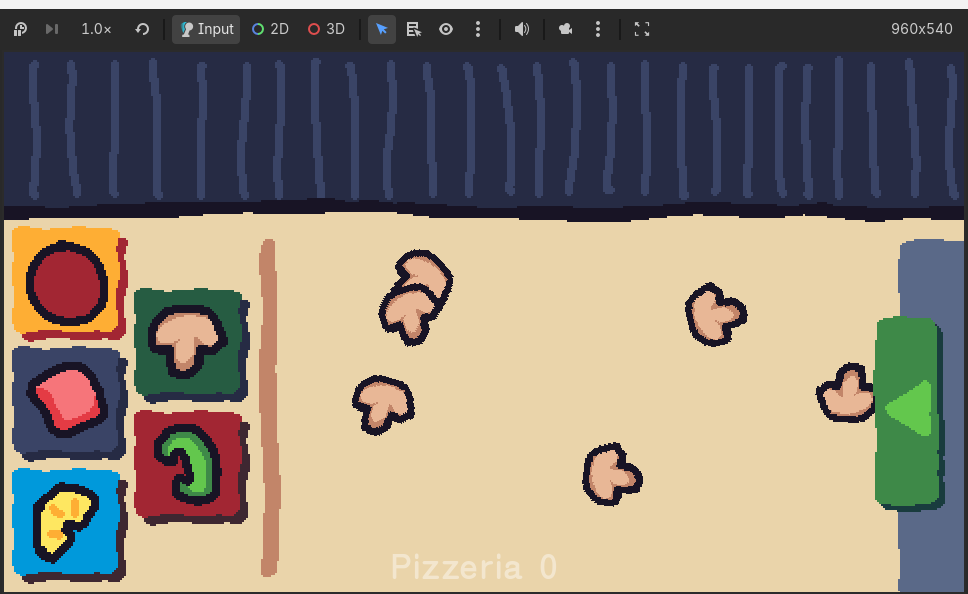
The first thing I decided to implement was the conveyor and toppings as they make up the cornerstone of the game. This did not go particularly smoothly as I didn’t yet understand how to structure Godot projects, or indeed what sort of hierarchy to use for Scenes (the closest equivalent to Unreal’s Actors or Unity’s Prefabs in Godot).
I immediately ran into an engine bug involving the underlying physics state getting out of sync with the rest of the engine resulting in all the debug functionality showing the topping as in one place, but the physics engine thinking it was somewhere else. I ran into this because I had structured my Topping Scene in a non-idiomatic way so while it was an extremely rough first proper experience of Godot, it was useful learning.
After picking up the project in March, I got the rest of the basic pizzeria scene setup using the old game’s assets for the Assistant and Chef. This included buttons to spawn the toppings for the Assistant, various controls for creating the various types of pizza bases for the Chef as well as a basic camera to swap between the two views.
Basic Networking
Next I wanted to network the toppings so they could be properly synchronised across the various game clients. I did a lot of reading of the middling-quality Godot Networking documentation and various blog posts and for a while struggled even getting a server set up and clients connected to it, but I did eventually manage to get it all working and had my toppings properly synchronised using Godot’s MultiplayerSpawner and MultplayerSynchronizer.
Topping position and rotation is generally synchronised with the server as authority as you’d expect, however players can pick up and drag toppings around to move them onto/off of the conveyor or a pizza. While held, the server does not replicate the position/rotation, instead leaving the player to handle moving it with the local mouse cursor.
Once the player places the topping again, it informs the server of the new transform which the server validates (constraining it based on their role & team) and replicates it back out again. This approach works because under the design of the game, only one player is ever looking at their own screen for their team/role. Under normal gameplay remote players would never have the ability to see the topping being moved by another player.
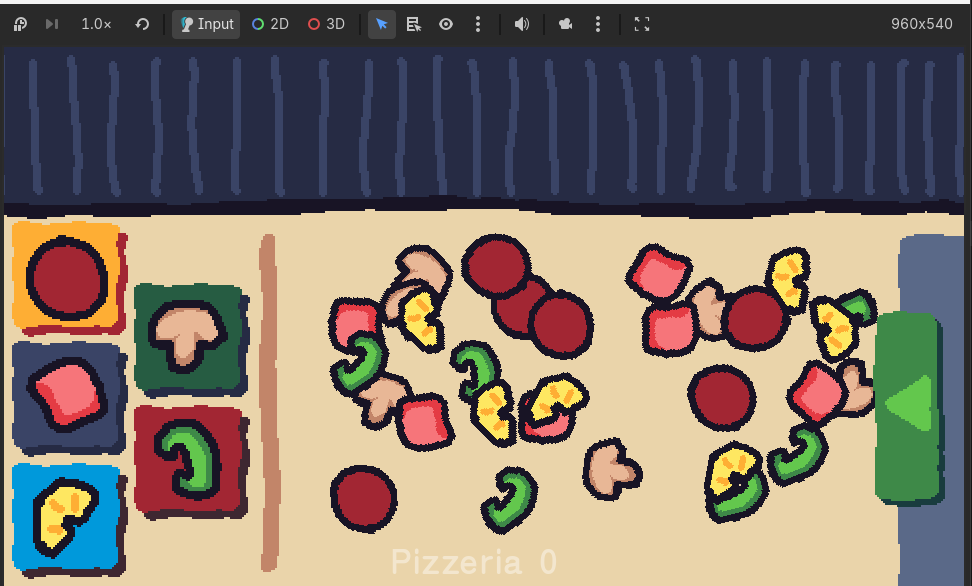
With this implemented, the fundamentals of the game have taken shape. Toppings can be made by Assistants, and passed over via conveyor to the Chef who can place them on a pizza.
See how when the client is moving the topping, the position only updates for the host (i.e. server) when they place the topping.
I set up a basic start menu for players to wait on until ready to start, but I made sure to add a bunch of different launch args to be able to direct launch several clients and connect them to a server or host as well as boot direclty into the game with a number of teams etc. This saved a lot of set up time each time running the game and sped up iteration times.
Help Arrives
How I had a lot of the core systems set up (including the Assistant having to manage the conveyor’s speed), my friend cesque — who worked with me on the original game jam version of the game — started helping out too. He began recreating the game assets in a new style, changing fonts, and adding “juice” to the conveyor.
I began remaking the assistant’s minigames from the original game including making a generic way to add more in future. I also did a bunch of refactoring of the initial topping-related logic based on new learnings and experience, as well as fixing a number of bugs and edge-cases.
We ran into some issues with the sliding panel used for the conveyor speed as it wouldn’t properly block the player from clicking on elements (toppings) underneath it. We managed to solve this however using CanvasLayers.
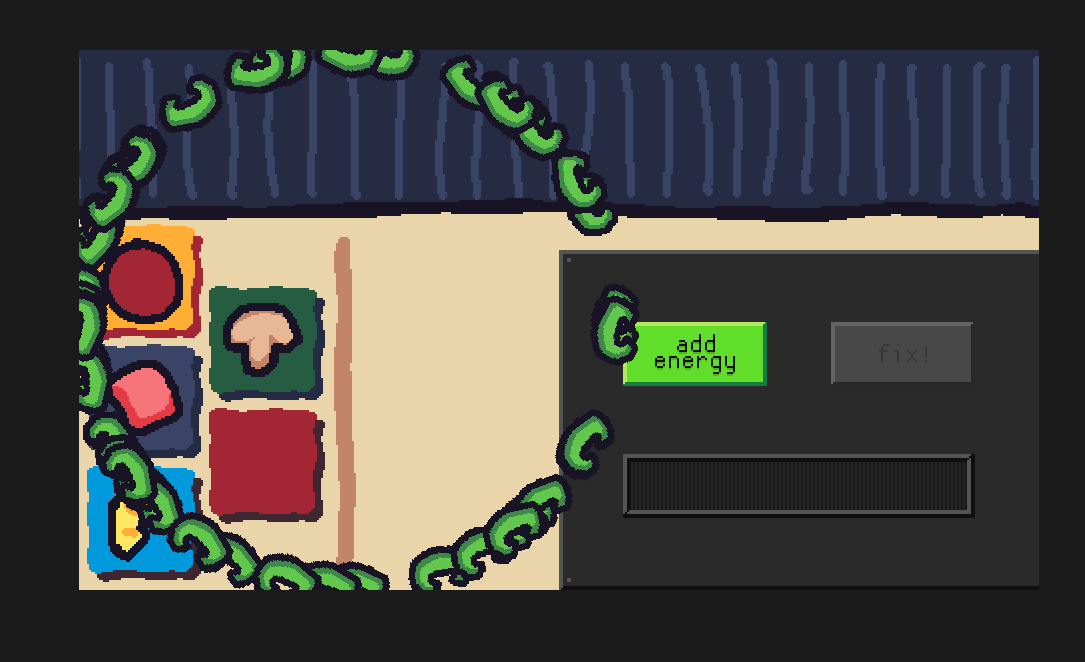
‘i accidentally made a blank button that spawns a pepper a fixed radius away’ - cesque
At this point we were around 4 days away from the LAN so were rushing to implement everything required for a full playtest.
The Rest of the Flow
Cesque continued creating new game assets and also worked on getting the core functionality for the Manager role set up. Very little had been done for them beyond the basic screen until that point. He created a system for generating orders to be received by the Manager, as well as a system for delivering these via UI for receiving order phone calls from customers (and follow-up calls if the order fulfilment is slow). He also created the UI required for receiving pizzas from teams and dispatching them for a given order.
I worked on things like adding team names, a time limit, a post-game screen, as well as a second minigame for the Assistant and other back-end systems and flows.
Cesque added basic pizza scoring which I then networked (having to work out how to write custom net serialisation logic as Godot only supports sending primitive types over the network), and we continued to flesh out the rest of the Manager role.
I also made a lobby screen to allow players to pick their role. It would dynamically update the number of teams based on the number of connected players and only allow game start once all the roles were full.
Game can only start with all roles filled.
We also improved the feel of picking up a topping by adding a drop-shadow and hiding the mouse cursor. I really like how the drop-shadow looks as you rotate the topping.
The Last Rush
Ahead of the Playtest we made a flurry of fixes, additions, and improvements. Cesque arrived the evening before the LAN and we spent much of that time improving the game. We improved the scoring system, added a proper UI for joining or hosting a game, fixed a lot of bugs, and added a game timer. This continued in the first day of the LAN before the first playtest.
Cesque also wrote a manual for the game with worldbuilding and theming!
Playtesting
After making some final changes we made a build of the game and shared with our friends at the LAN I was hosting. We started off with small games of just one team and a manager and then progressed to playing with two teams of two, plus the Manager so five total players.
There was a lot of confusion to start with but by the second time playing people largely understood the game. I made lots of notes of things to fix and polish, and afterwards gathered feedback. After the playtests we made some changes to address a bunch of things that came up and ran another playtest later in the day.
There were a number of balance issues we made improvements to. The pizza orders started out too difficult, the scoring needed some tweaking, and the round length and minigame lengths needed some tweaking. The second set of playtests went better and we came away with a big list of improvements we could make.
Alas I don’t have any footage recorded of the playtests so here is a video recorded after-the-fact showing how all three roles interact.
Example Gameplay Video
This video taken in a dev environment shows 3 players playing the game.
- One player chooses to host the game (with an option to specify a particular port) and the other two choose to join that host’s port and ip.
- Each player enters their desired name and chooses their role. Once all roles are filled the game can be started.
- The game starts. The Pizzeria automatically gets assigned a random name, this time it’s “Pizza Hot”. The Manager accepts the first order. They must tell “Pizza Hot” of the order, what they need.
- N.b. orders are made up of a core pizza along with size base type. This base pizza is then modified with a number of prefix and suffex modifiers. In this case the “Mushroom Deluxe” pizza on a medium, italian base. This is modified by “Vegephile” (more vegetable toppings) and “Extra Pineapple”. Information about all the pizzas and modifiers are in the manual.
- The Chef and the Assistant co-ordinate what toppings they need and the assistant starts producing them by playing minigames. The Assistant must manage the conveyor’s speed and also fix the conveyor when it breaks.
- The toppings are sent to the Chef via the conveyor belt and the Chef assembles the pizza. Once finished, they can click “Send” to begin the cooking minigame where they must stop cooking at the right time for the most points.
- The manager receives the pizza and has to match it up with the order they received earlier, enter the correct order number, and click dispatch.
- This would ordinarily continue for the time limit displayed at the top of the screen, but for brevity a debug key is used to skip to the end.
- On the post-game screen the final scores are displayed as well as the breakdown of the score per-pizza.
- N.b. overall scoring didn’t work in this build when using the debug key to skip.
Overall
It was a very fun project and I learned a lot during it. I now feel much more confident in using Godot, especially in how Godot wants to be used - something I feel is quite important when learning a new toolset.
The original game came across quite well, though you can feel a lot of the limitations we originally had by it being produced as part of a 3-day game jam. The Assistant’s minigames are barebones and don’t fit the theme, the Chef doesn’t have much to do for a decent amount of time, and lots of things need a lot more polish and balance. However it was a lot of fun to play with friends, and it caused a lot of the “good chaos” we wanted to see.
Thoughts on Godot
Godot has a lot of really nice 2D and UI features especially, and I was quite impressed at how quickly you can throw something together if you know the components. For example the conveyor energy bar was super quick due to the pre-made UI elements.
I’ve no love of GDScript which the game was almost exclusively written in as a learning exercise. I find that non-strongly-typed languages don’t go well with game development where things are constantly changing and systems end up being iterated on and used in ways they weren’t originally designed for. You can add typing hits which helps but it’s extremely easy not to, and to get in a mess. The in-engine editor is decent but missing lots of useful features like symbol searching. C# support feels like a second-class citizen but I haven’t used it enough yet to know for sure.
Networking was pretty functional. The necessary bones are there at least but I think for any serious project you’d want to write a bunch of wrapper layers around it all. There’s a lot of awkward setup you have to do for spawning and synchronising scenes/node that I think could go away. I don’t like that the only way to refer to a node across the network is via path - a string. There should really be a GUID system for doing this. All that being said, it was much better than nothing, and I can see how it could become extremely useable in another few major engine versions (given enough development support).
I think for future personal game projects I’ll likely keep using Godot, it’s comfy enough and well-featured enough that it’s pretty enjoyable to work in.
Dev Gallery
Some images and videos I gathered of the development by trawling discord history and captured images.
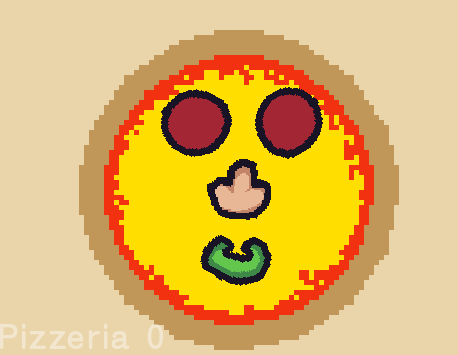
‘pizza generation working great’ - cesque
Triangle!
:-)