I designed and created an event planning website for an online gaming community - my Guild Wars 2 guild - to help them manage events signups.
It utilised:
- nodejs - Javascript-based server, the core of the website which routes requests
- Jade - Templating Engine used for dynamically creating webpages
- MongoDB - JSON-based database manager
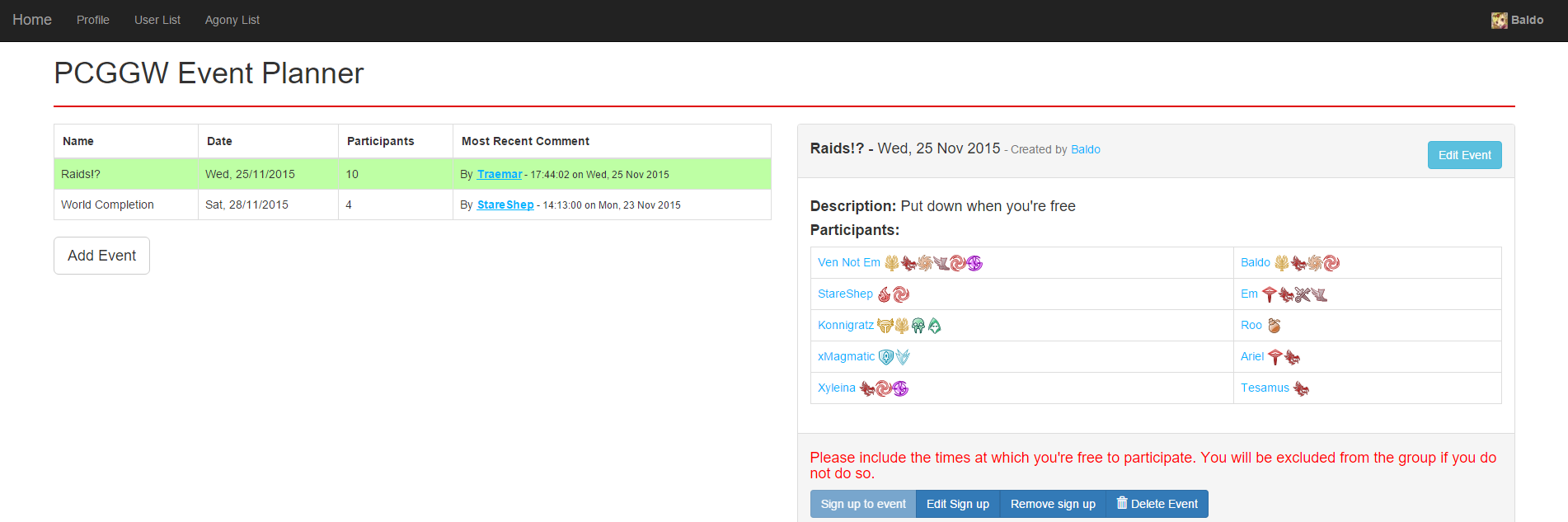
Background
The online gaming community I am a part of (PCGGW) needed a system to be able to plan events to do ingame content with specific group size requirements. The content required groups of 5 people and often there would be 7-9 interested people which required some sort of first-come first-serve signup system. A Google spreadsheet document was intially used to keep track of events and signups along with various other information. issues with this system were quickly apparent. Anyone could freely edit the spreadsheet and it required a lot of work by a couple of people in order to maintain the layout and cleanliness of the document.
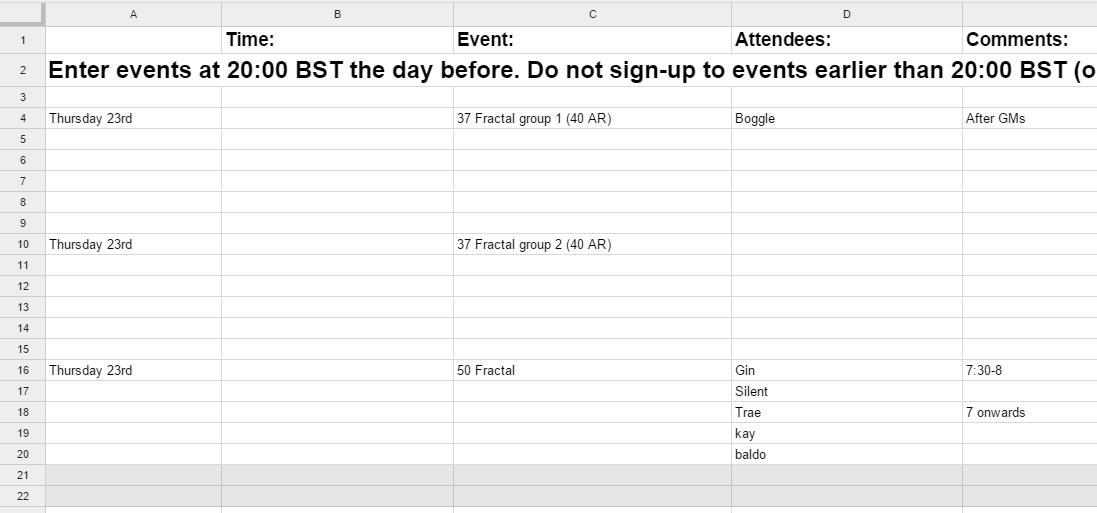
Creating The event planner
To solve these issues I began creating a specific event planning website. It was important to get a usable website working as quickly as possible to move away from the spreadsheet system so the initial version of the event planner was very simple. Allowing events to be created and deleted and allowing people to sign up to by entering the name of the person attending. In order to perform an action initially, you had to enter a password as a form of very rudimentary security.
From this point I began adding more desired features one at a time to ensure the website was always usable, adding a comment system and improving the general usability of the site. To further progress with adding desired features it was clear a user login system had to be implemented. I chose to utilise Steam’s OpenID API as every community member had a steam account and it avoided having to worry about password security. Using Steam’s OpenID also mean I could get access to basic user information and profile pictures easily allowing profiles to be set up very quickly. Implementing a user login system required quite a large code rewrite and took a reasonable amount of time but the functionality it provided made it very worthwhile. The user login system allowed many more features to be implemented quite easily such as allowing users to view each others profiles which useful game-related information could be added to.
More recently I was asked to make a page of the site that could be nicely embedded into the main community website so that when viewing the main page, the current events could be seen. I also added a page for being able to see an important ingame statistic taken from each user’s profile.
Round-up
This project was ongoing for a moderately long time as more features were requested and implemented to continually improve the website whilst ensuring it was always usable. At the beginning of this project I had never developed a website utilising a custom server or database before and the learning curve was quite steep but I learnt a lot and am very happy with how it has turned out.
Screenshots
Later Development
Notes:
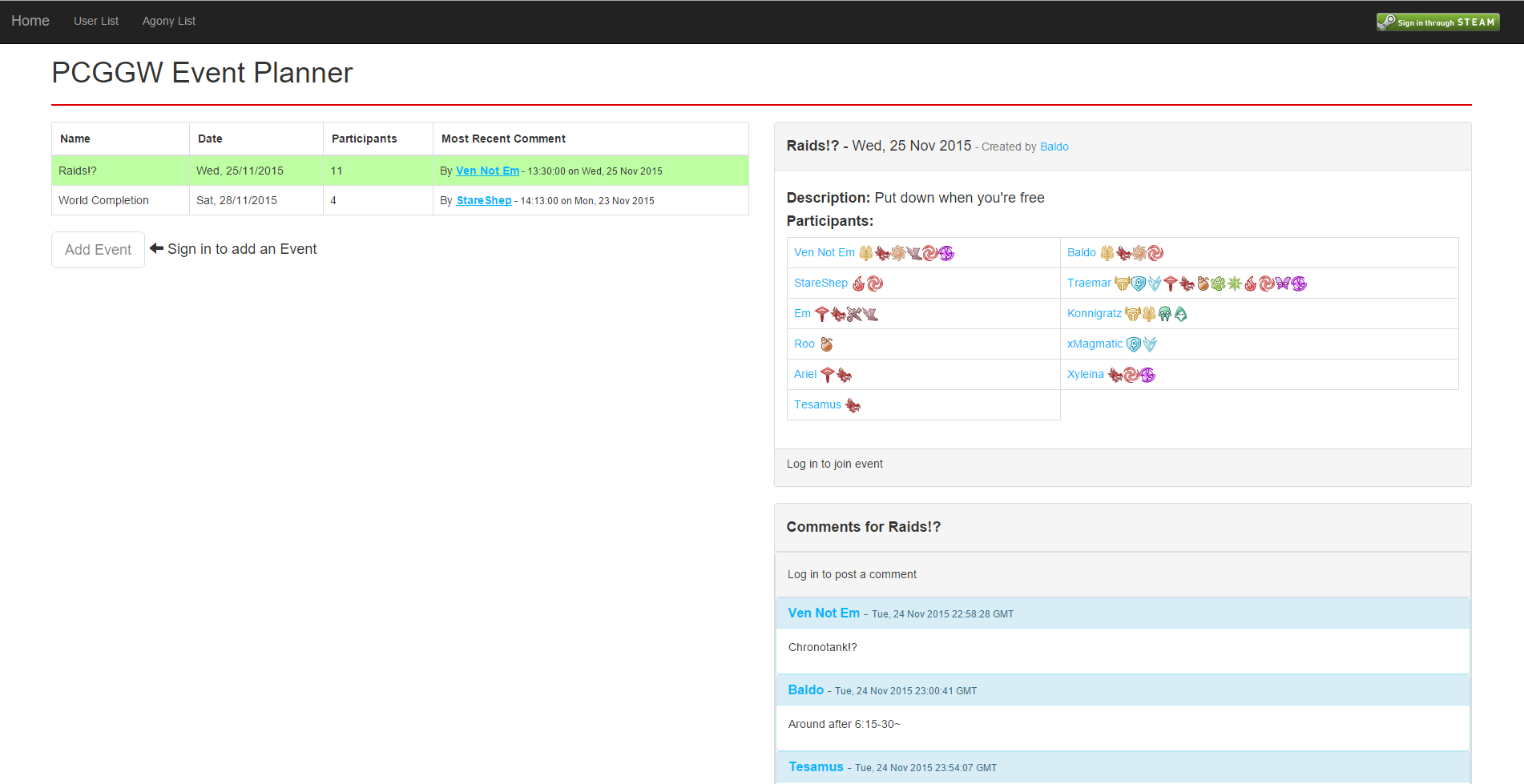
- The main page displaying events and comments. Usernames link to user profile pages.
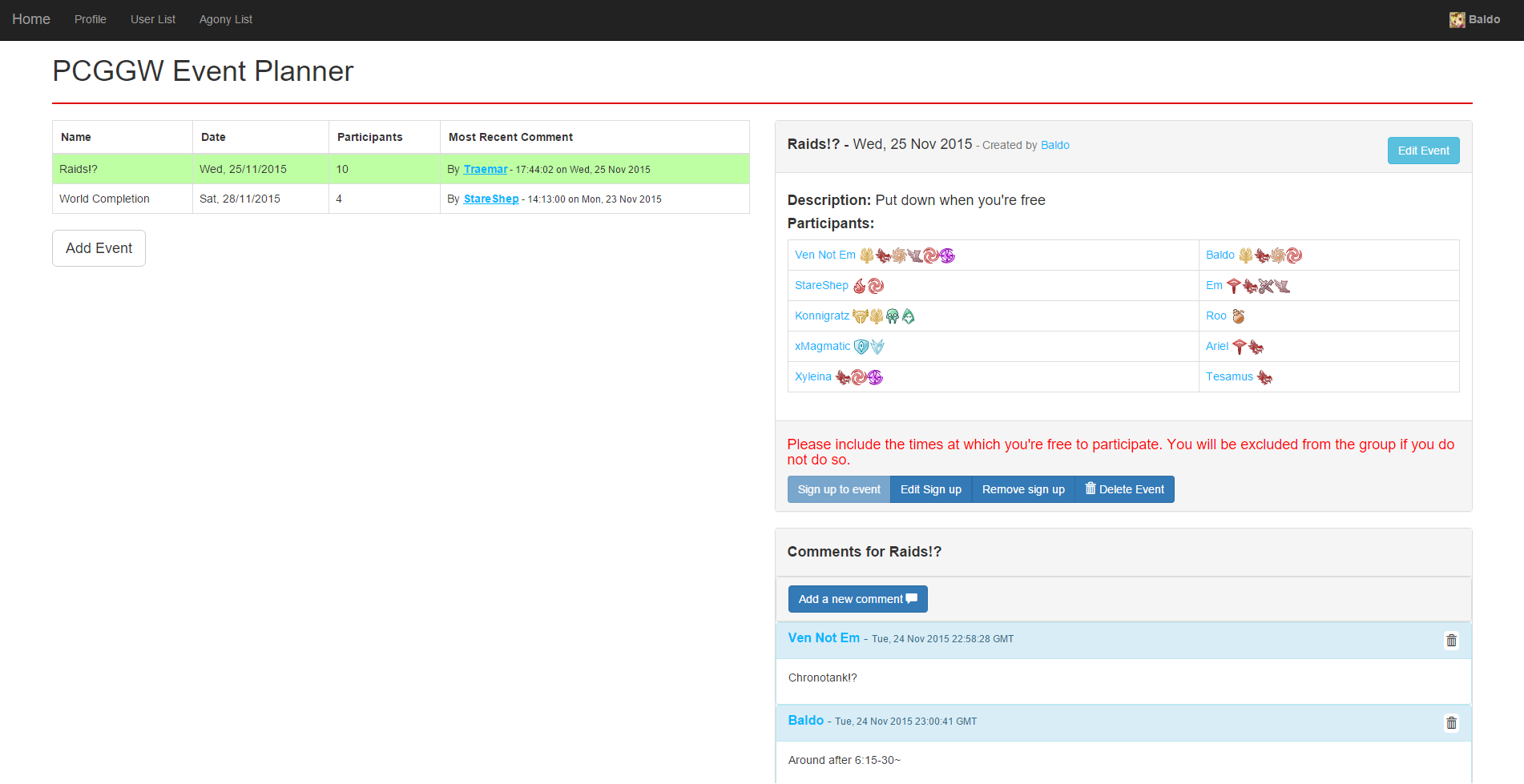
- The main page after the user has signed in through Steam.
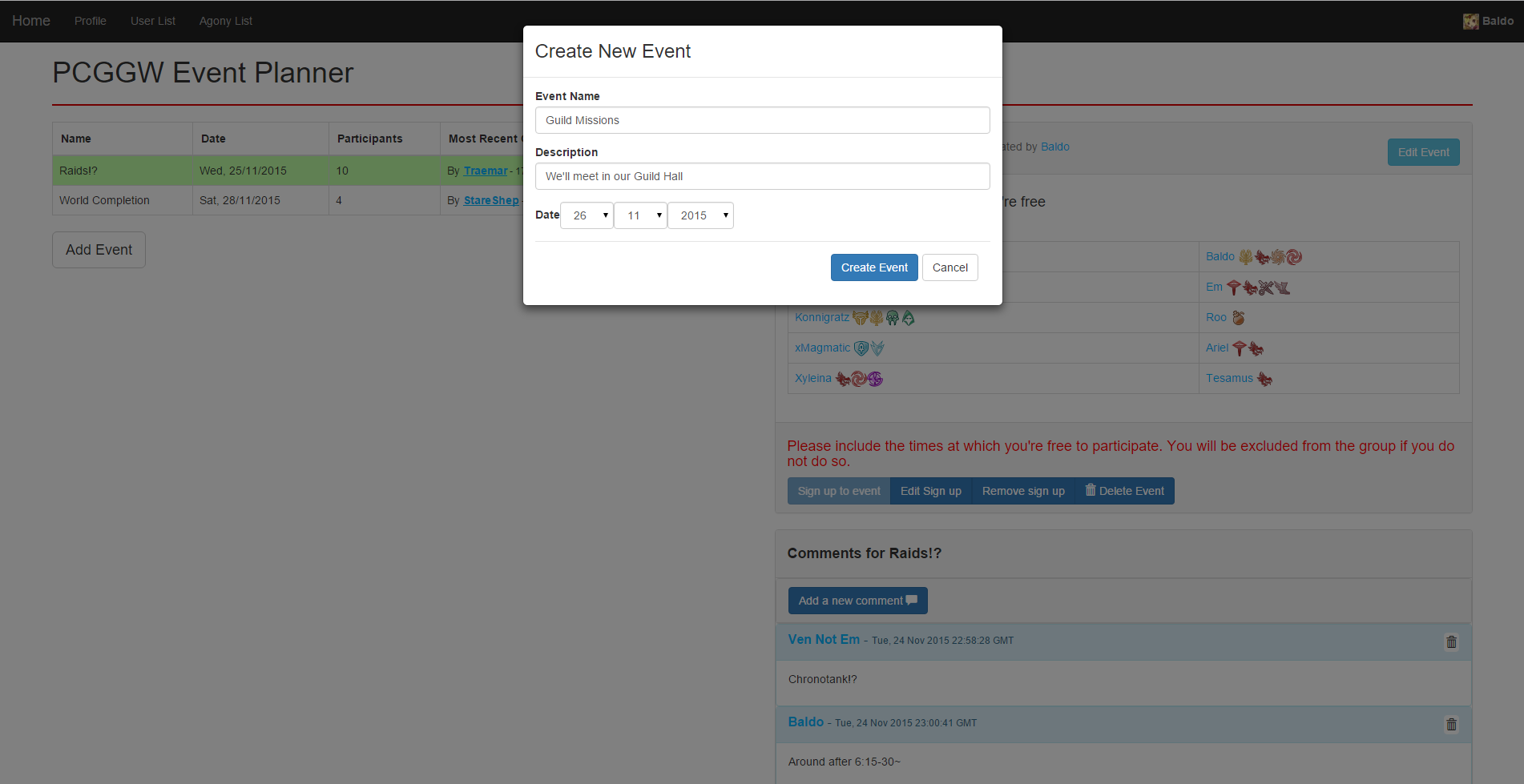
- Adding an event. Events cannot be created in the past.
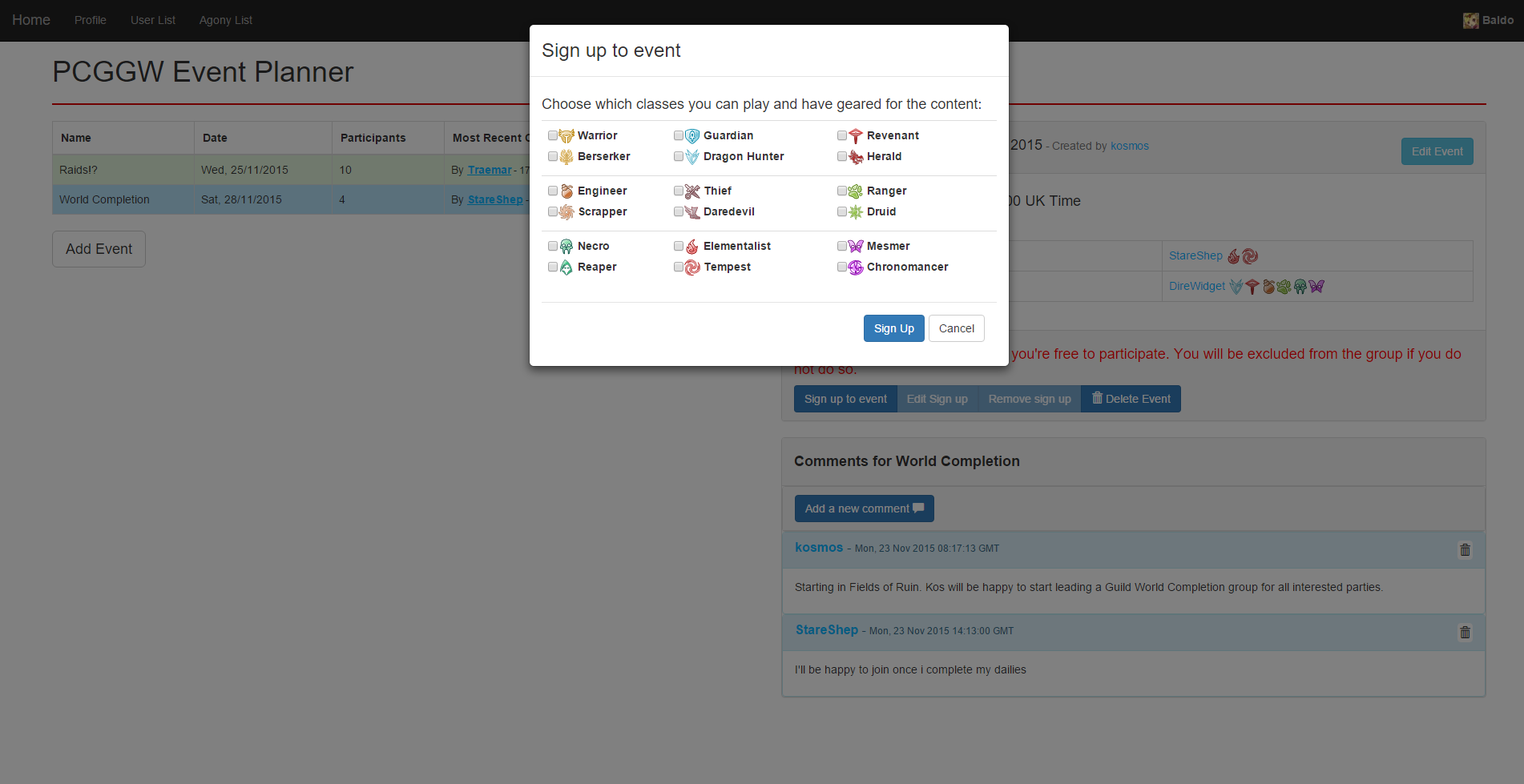
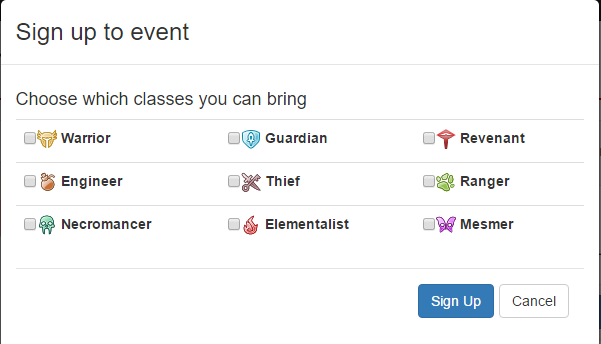
- Signing up to an event. When signing up, users must select at least one in-game class they will play.
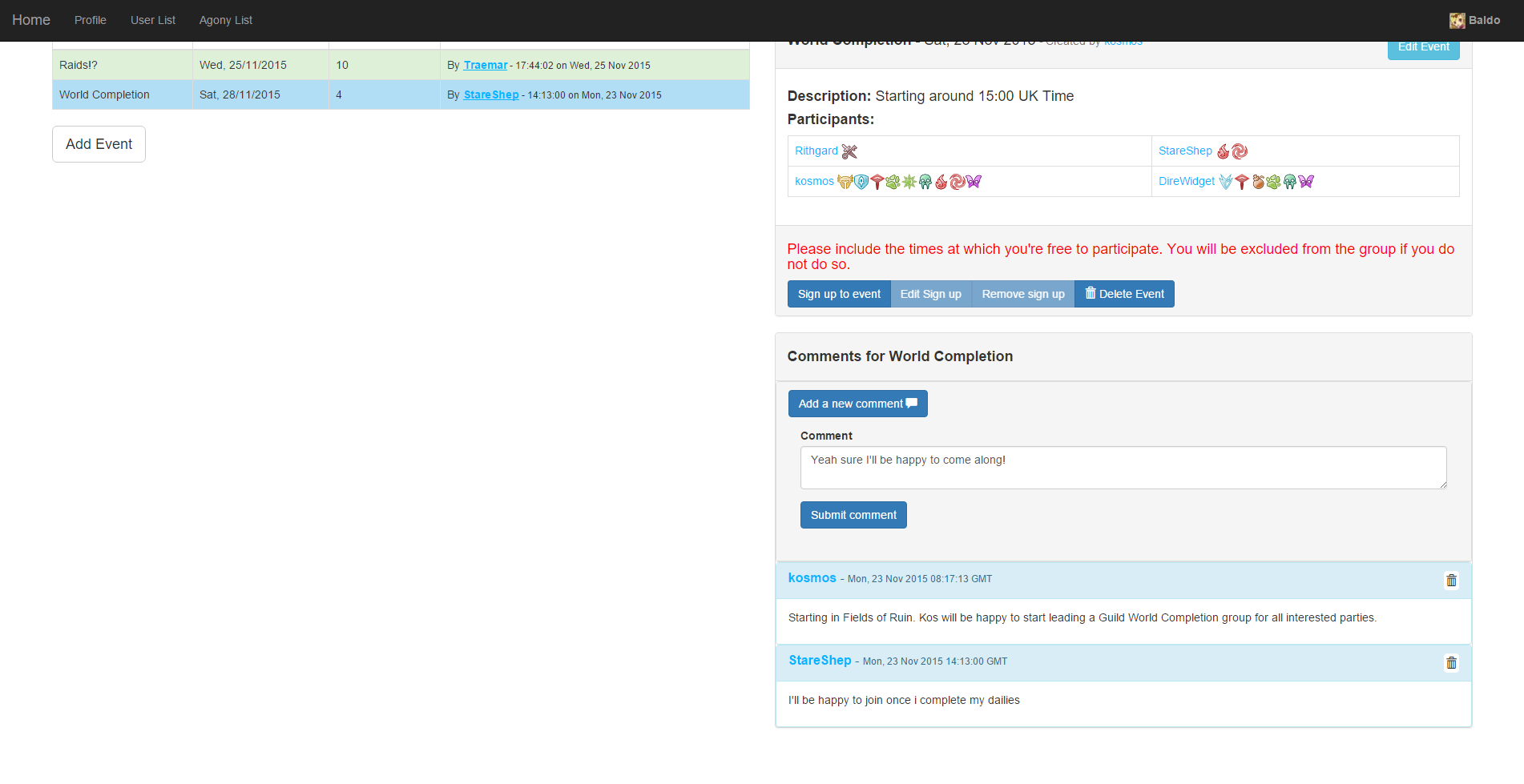
- Adding a comment. Hyperlinks are supported and displayed as actual links in comments.
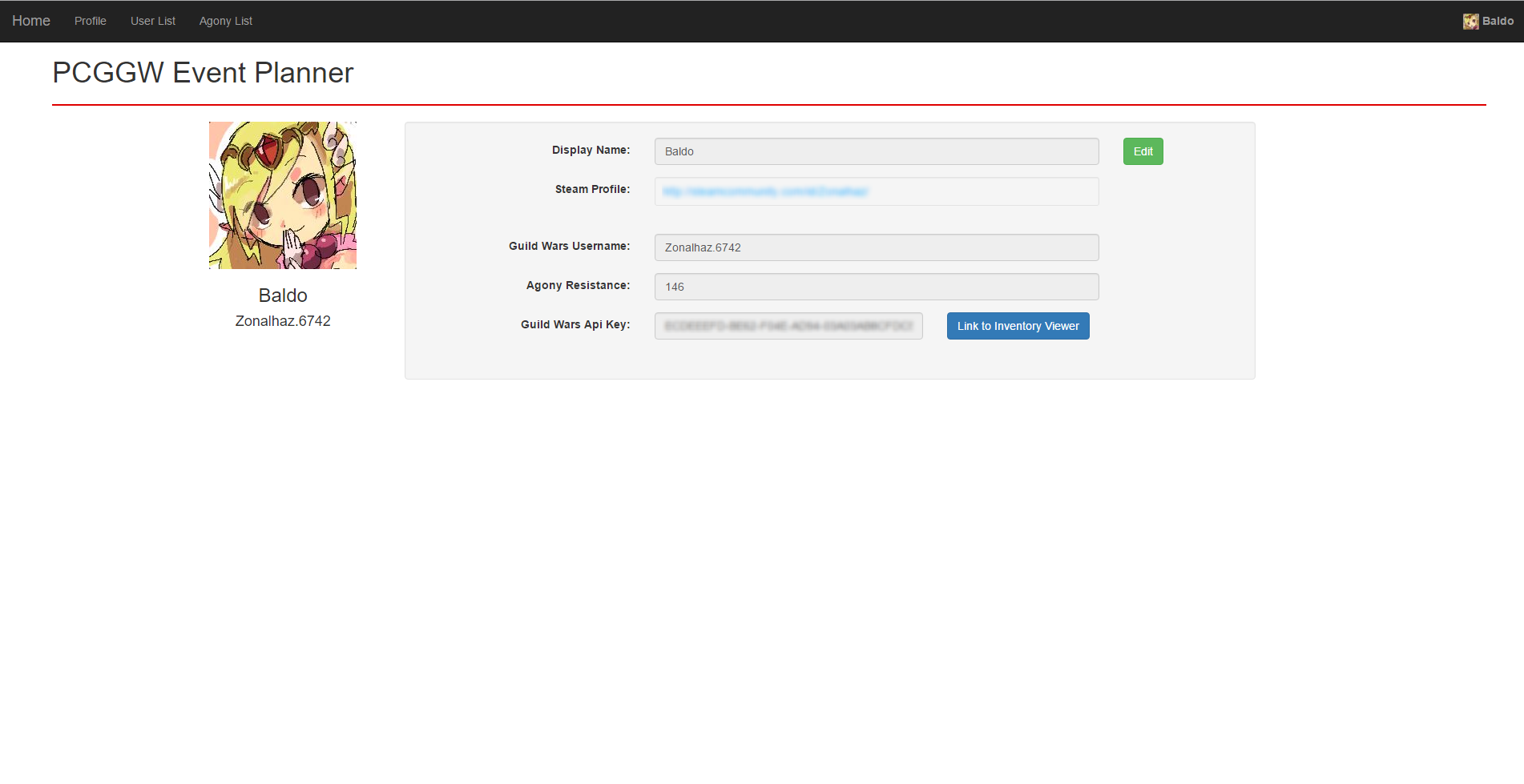
- The logged in user’s profile page.
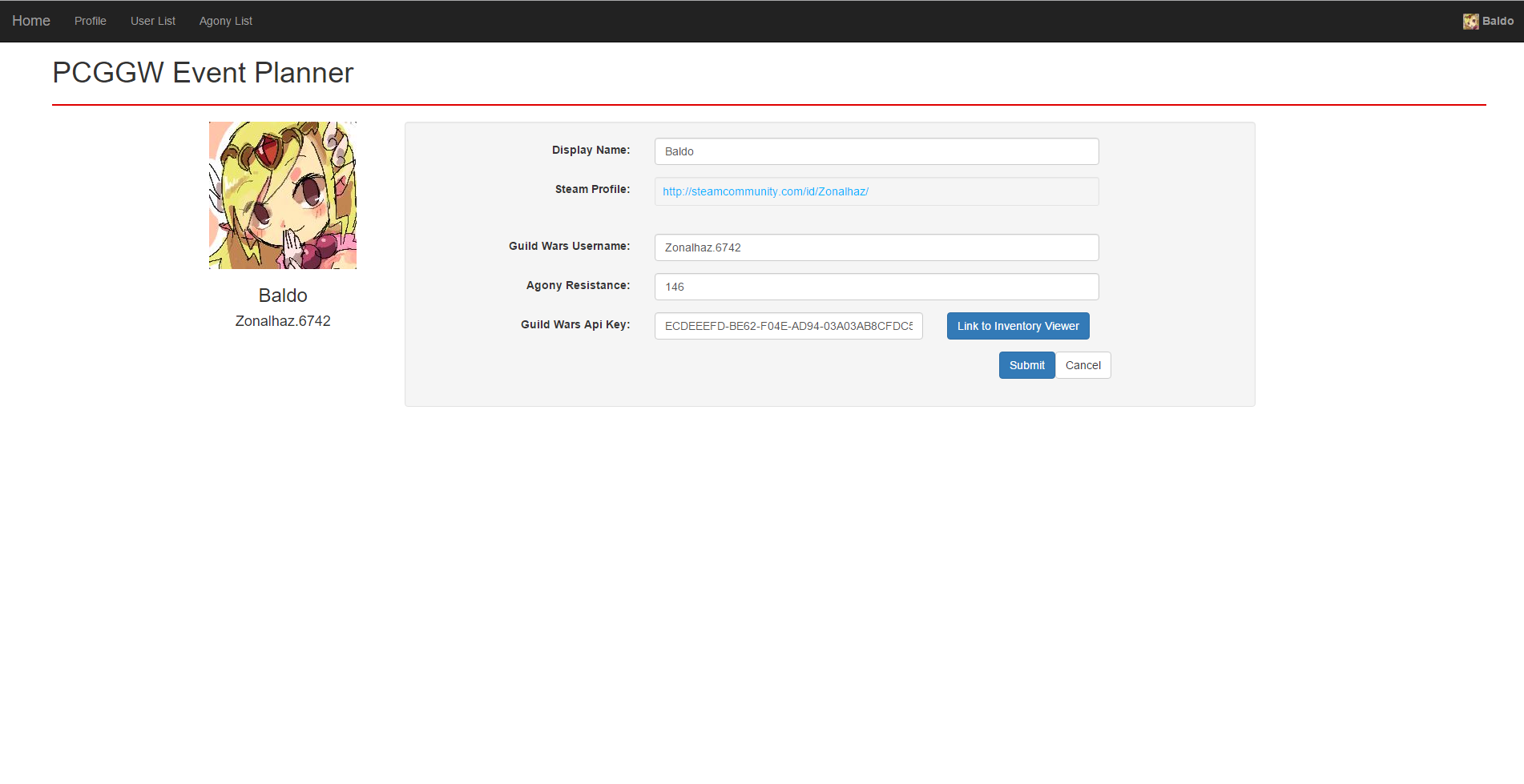
- Users can edit some of their profile page information.
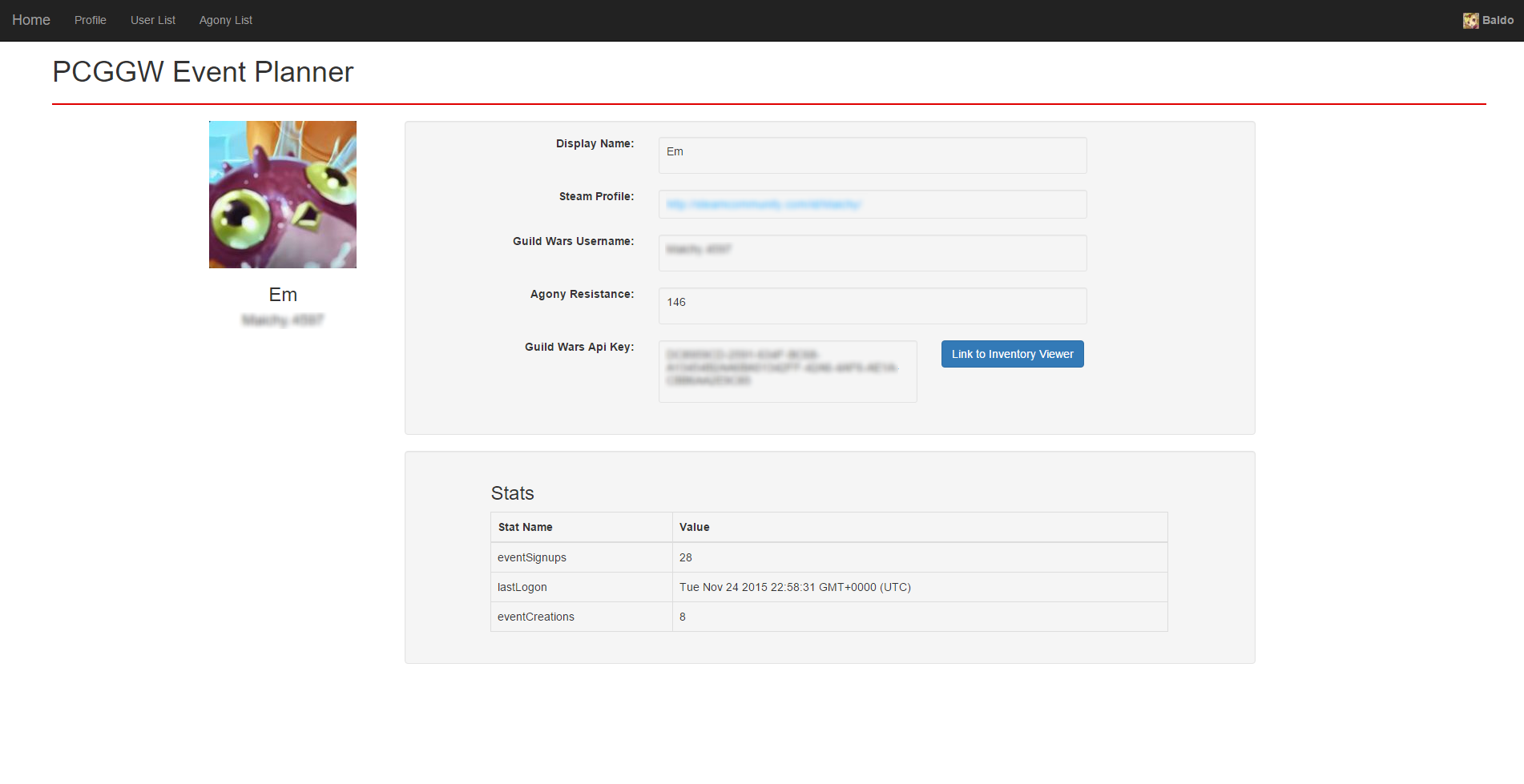
- Viewing another user’s profile. Admins can see some user statistics.
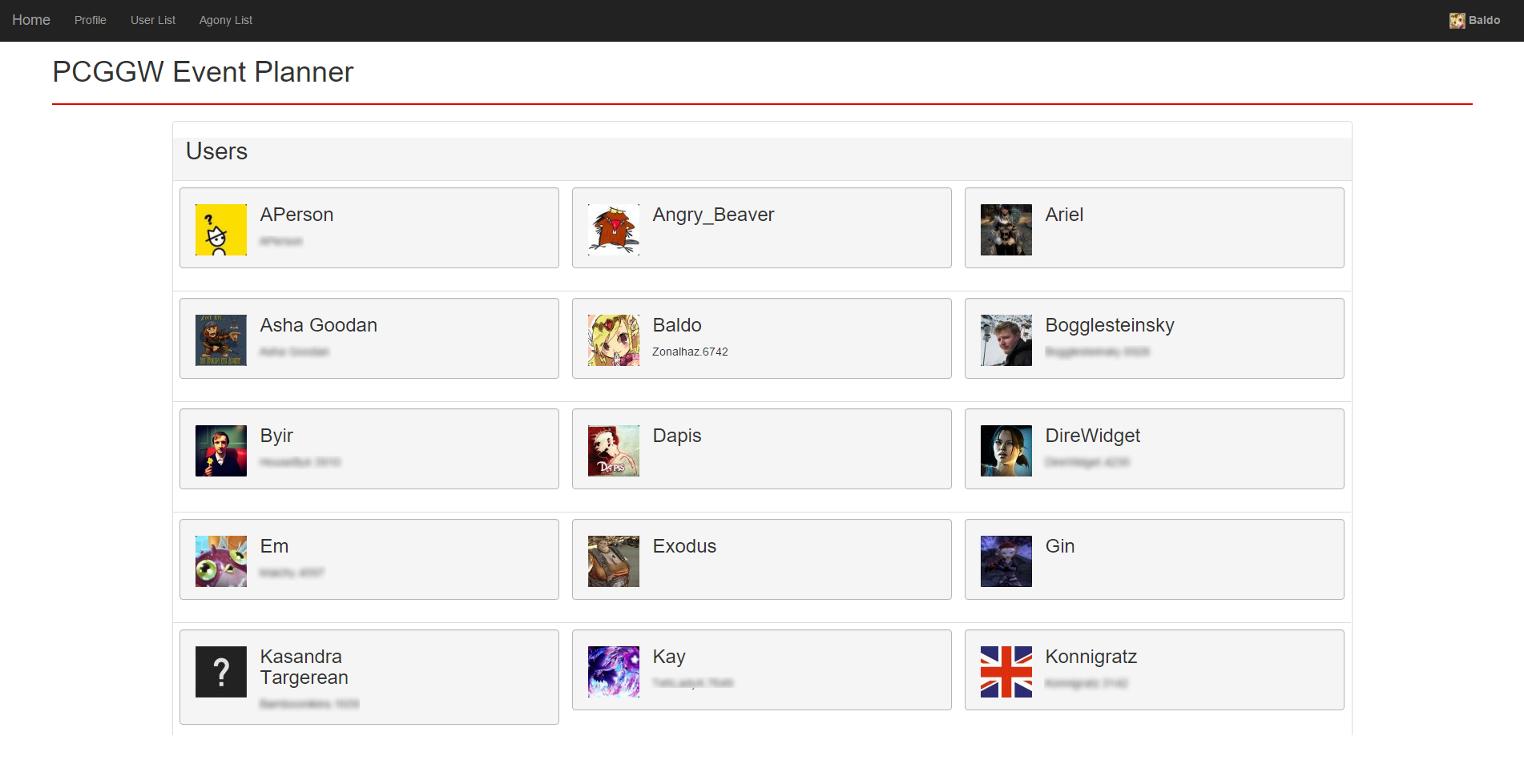
- The list of user accounts so users can be found relatively easily.
Early Development

Notes:
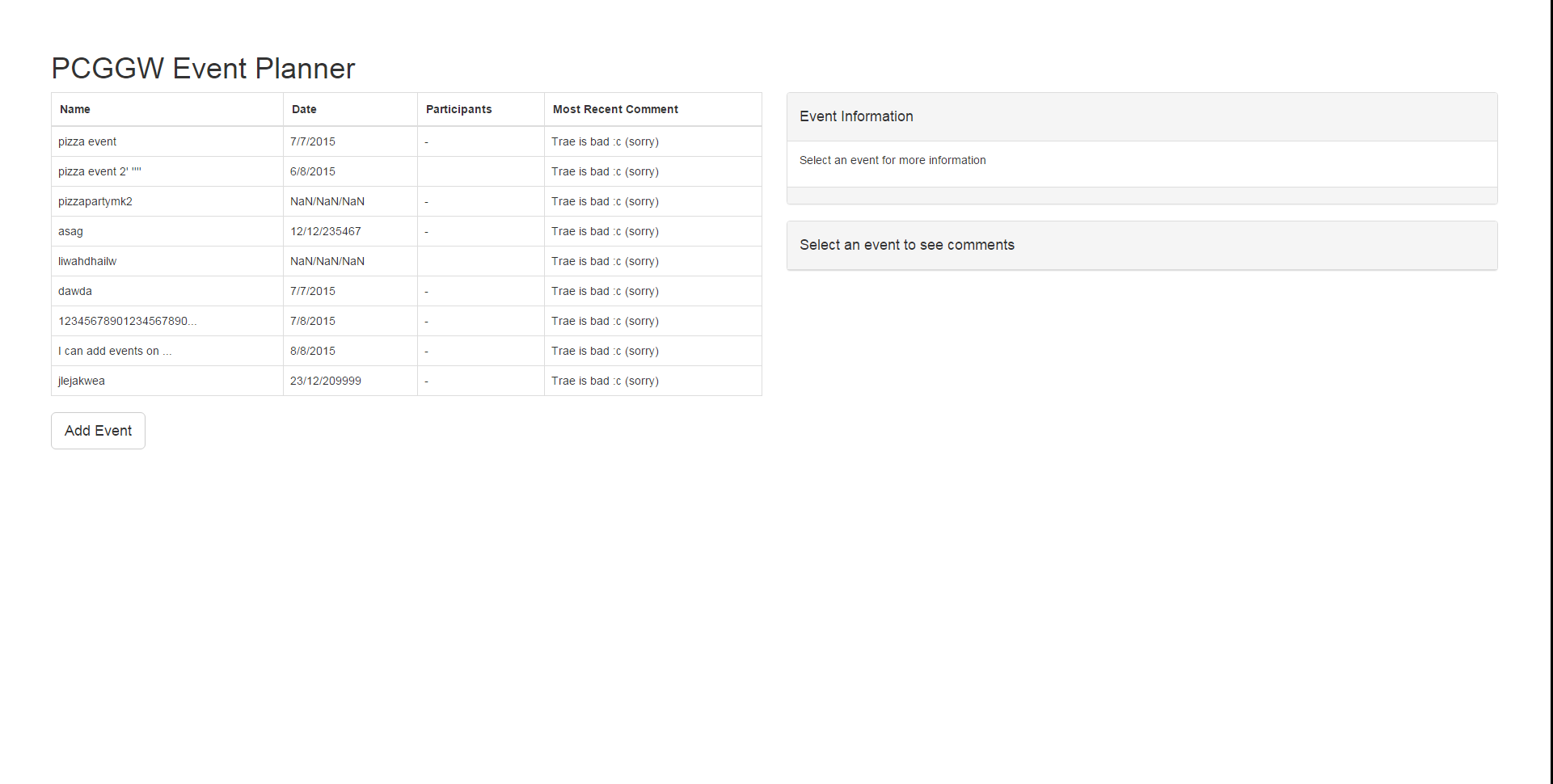
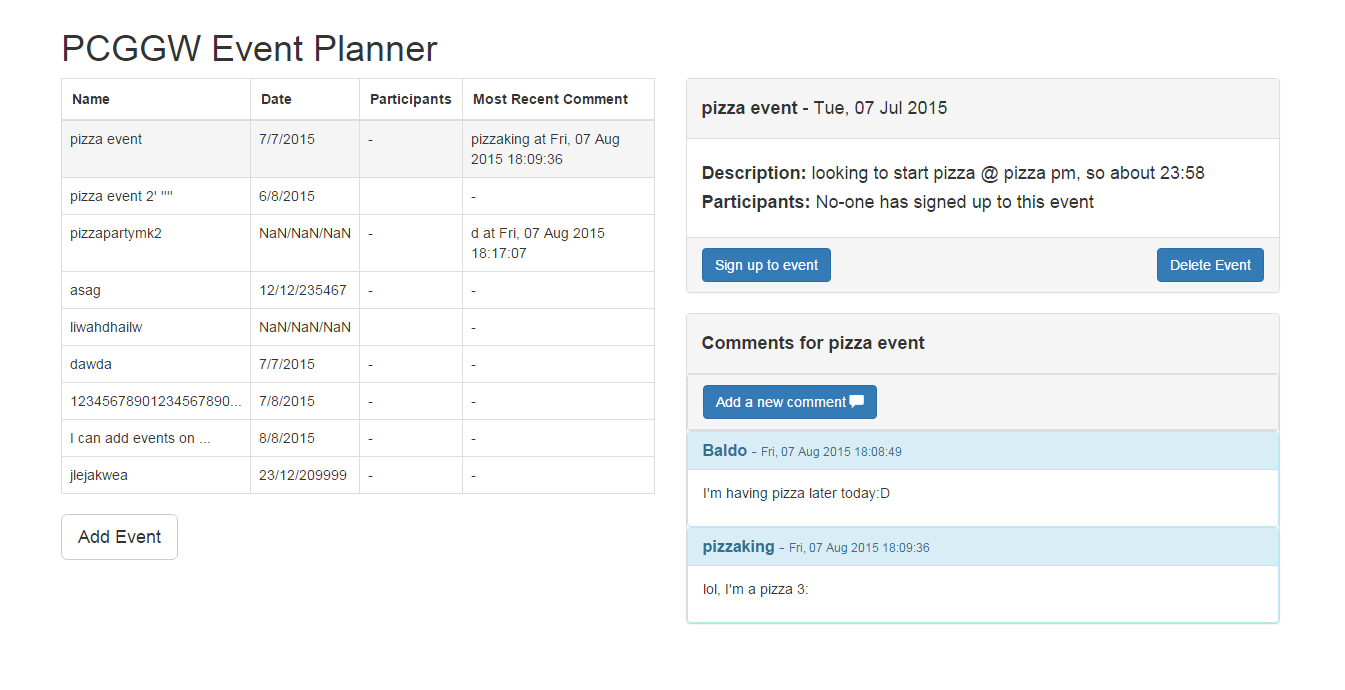
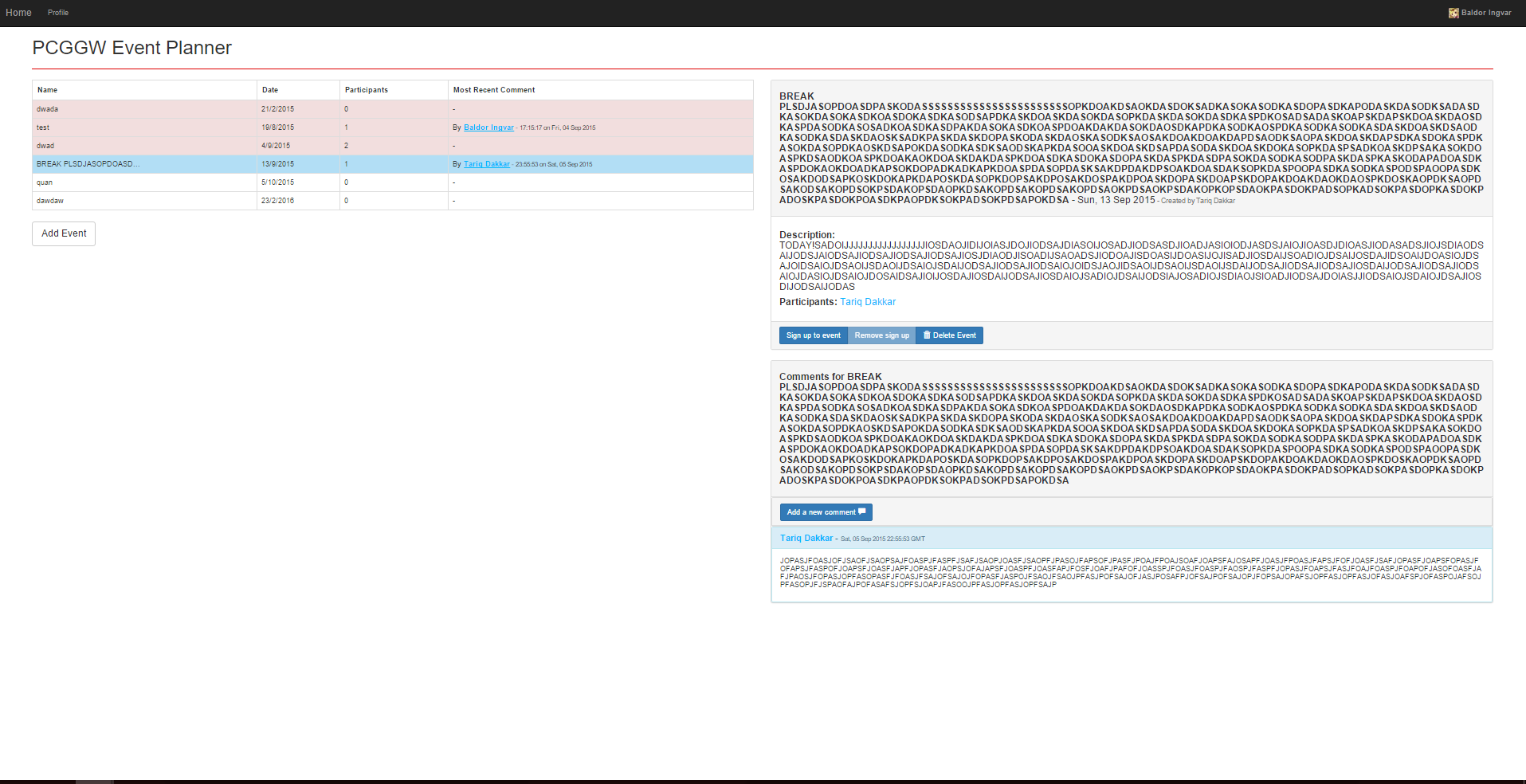
- One of the earlier iterations of the site. The comments system was just being implemented.
- First tests of the comment system.
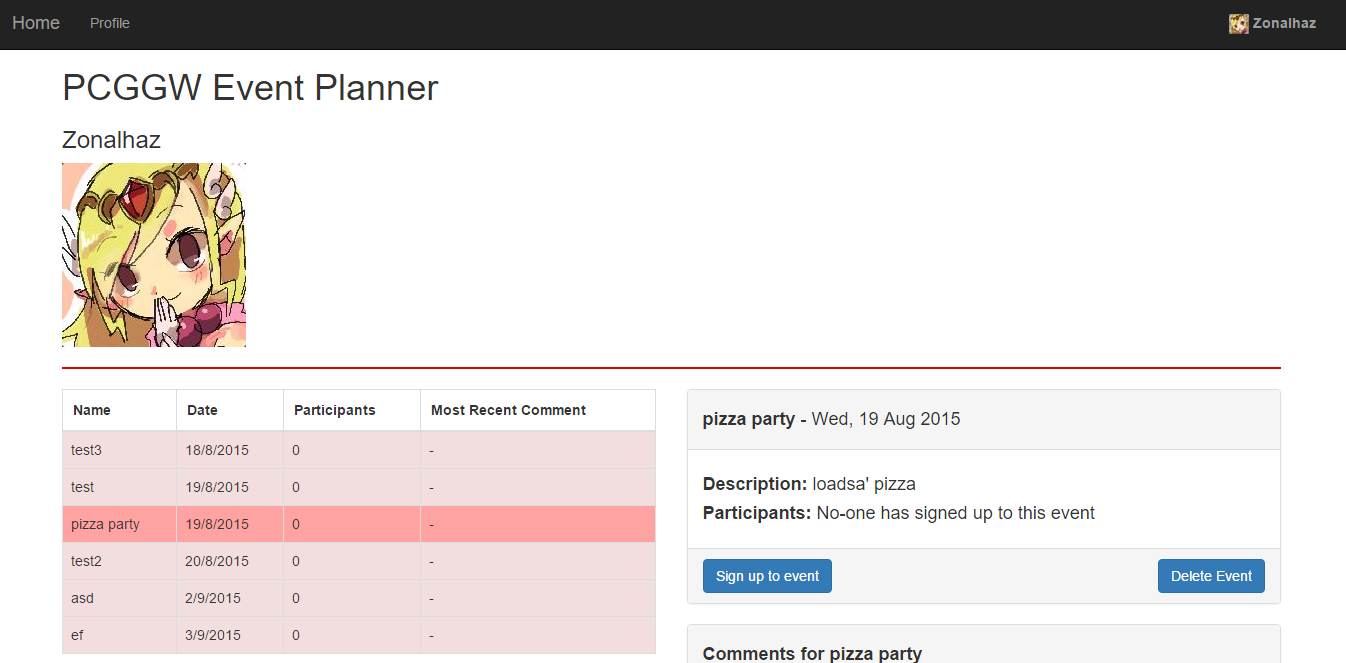
- Beginning implementation of the user system. Was displaying recieved information from Steam login on the main page.
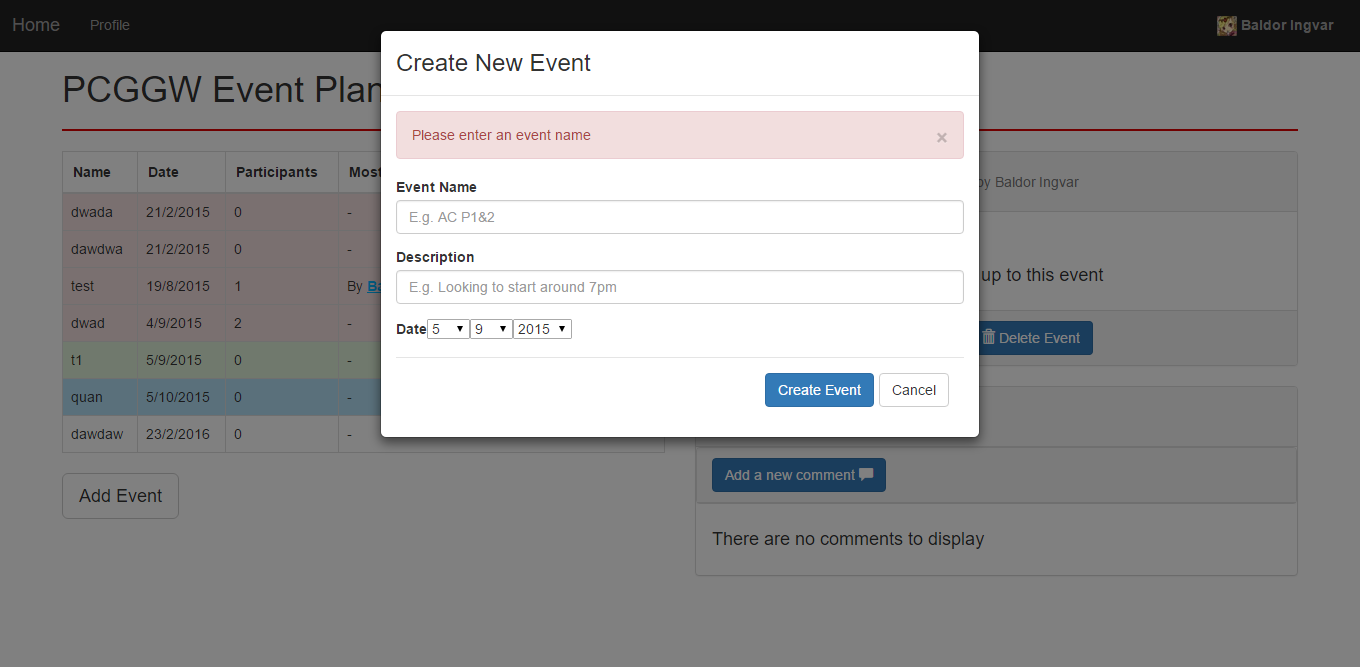
- Adding better validation to the add event modal.
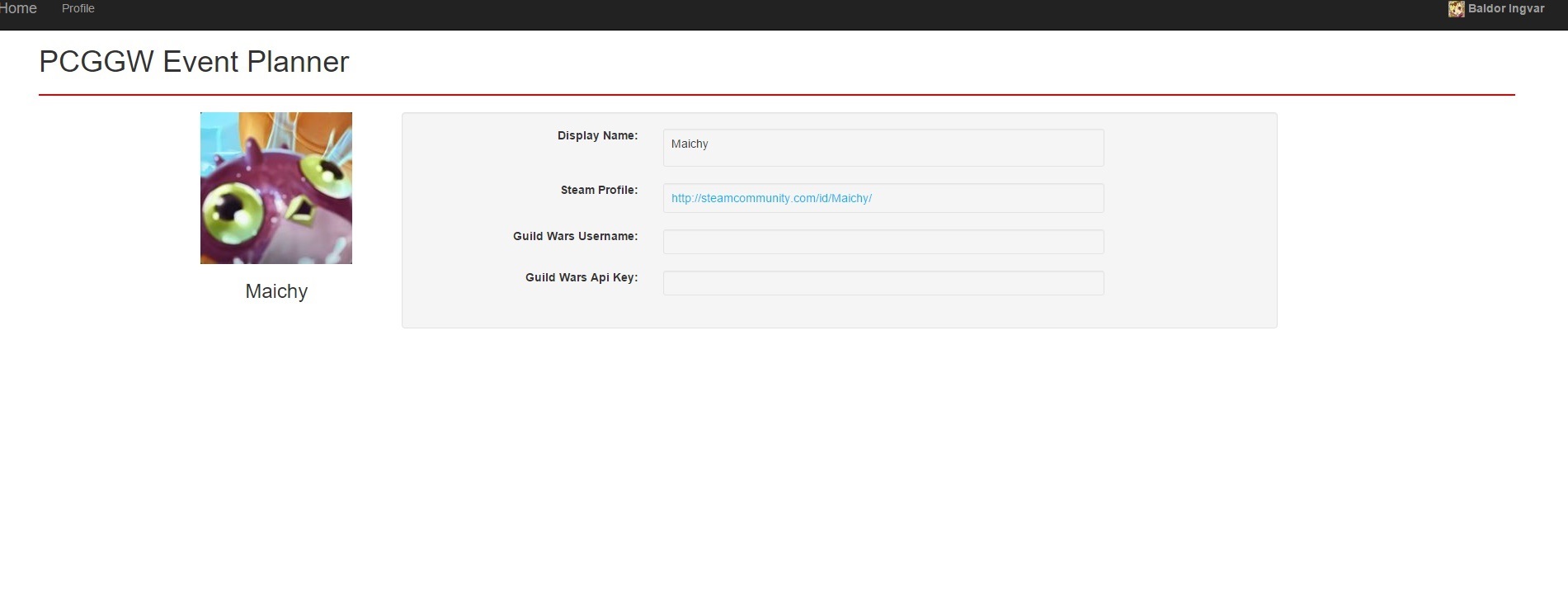
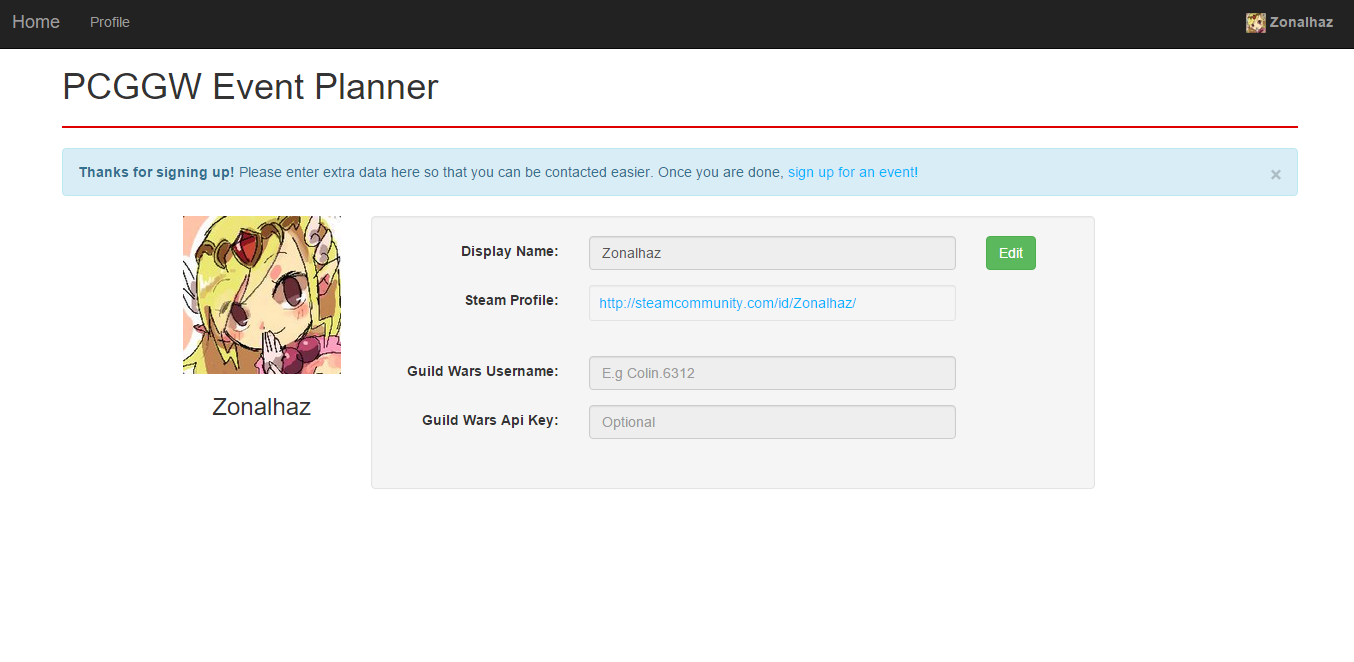
- Improving user profile pages.
- When a new user logs in, they are sent to their profile to adjust information.
- Bug testing text boxes.
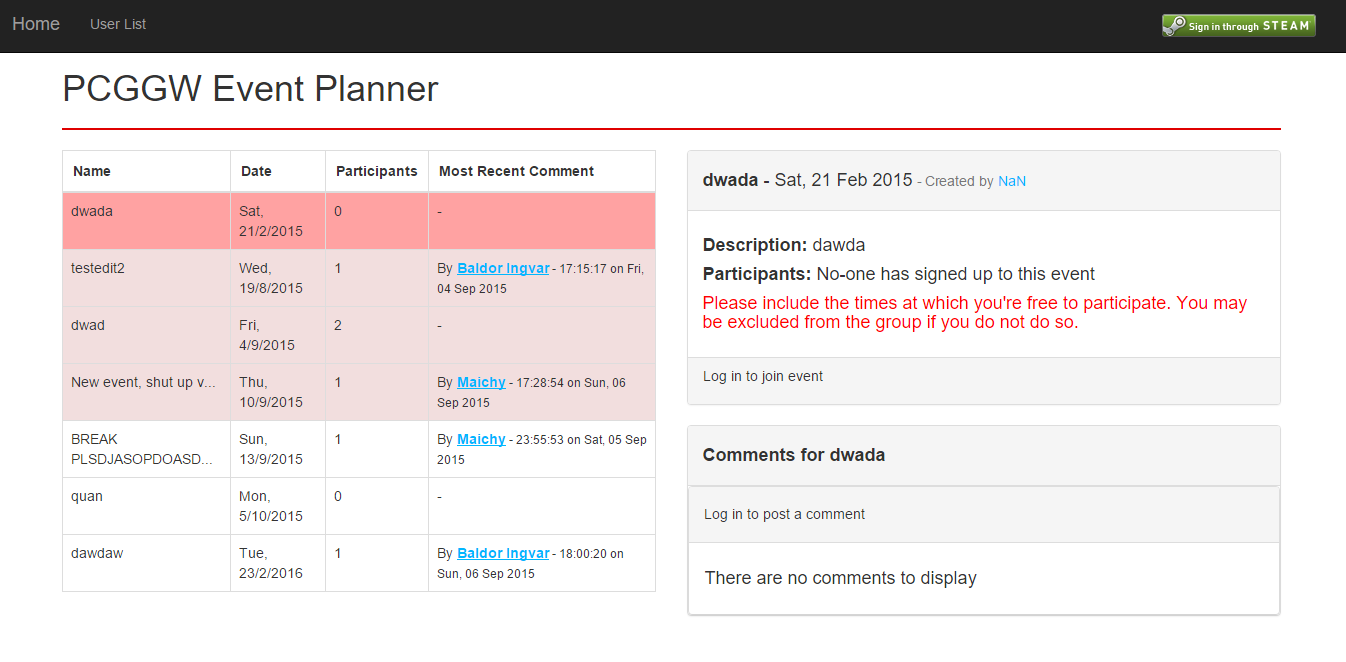
- Main page after some small redesigns.
- Deciding on delete comment buttons.
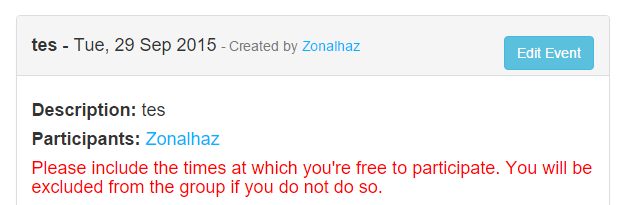
- Implementing an edit event button.
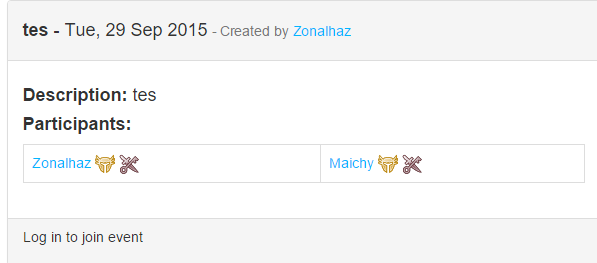
- Adding the ability to choose a class when signing up.
- The initial choose a class dialog.
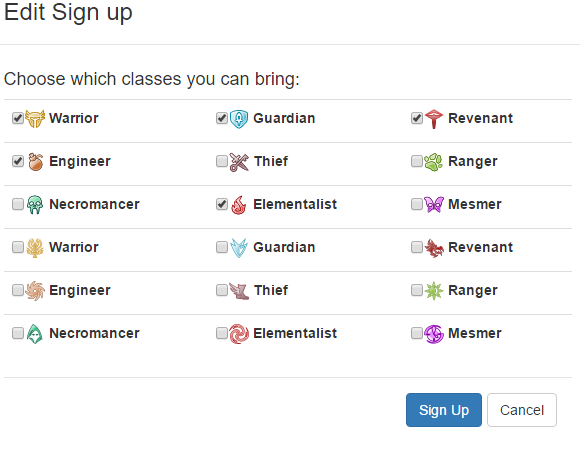
- Adding additional classes to the dialog.
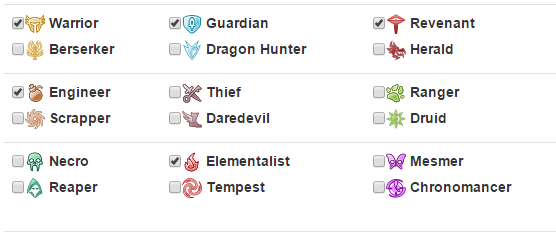
- Refining class layout.